


Choosing a vital signs simulator for your workflow
The best choice is not the most complete simulator in isolation. It is the setup that fits the real workflow: quick checks, preventive maintenance, focused SpO2 testing or repeatable processes with stronger documentation.

Start with the work you actually do
Before comparing models, define the devices, test frequency, technician context, parameters that matter and how much evidence the team needs to retain after each check.
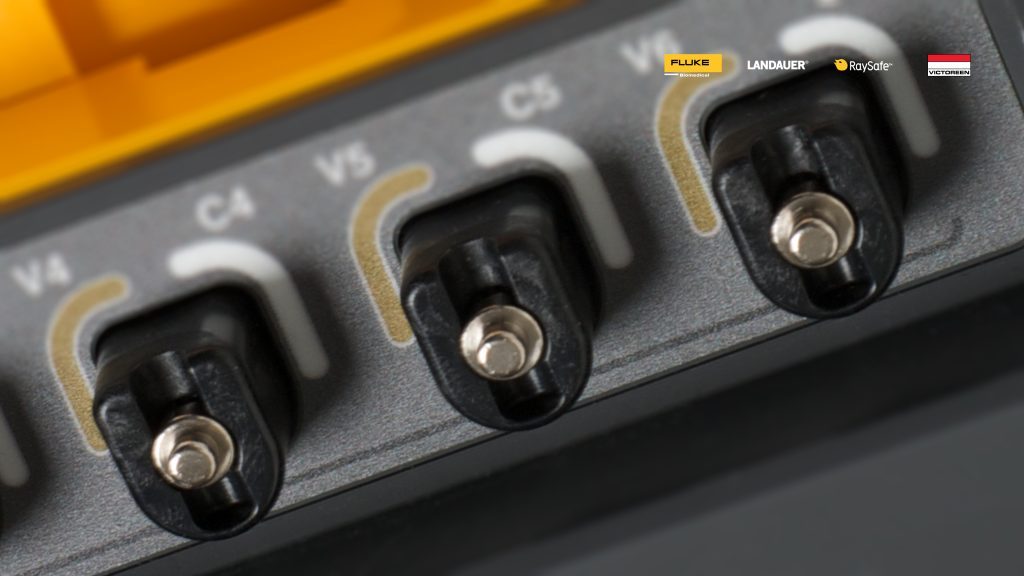
Fast checks and troubleshooting
Prioritise portability, simple setup and enough simulation coverage to isolate common monitor problems quickly.
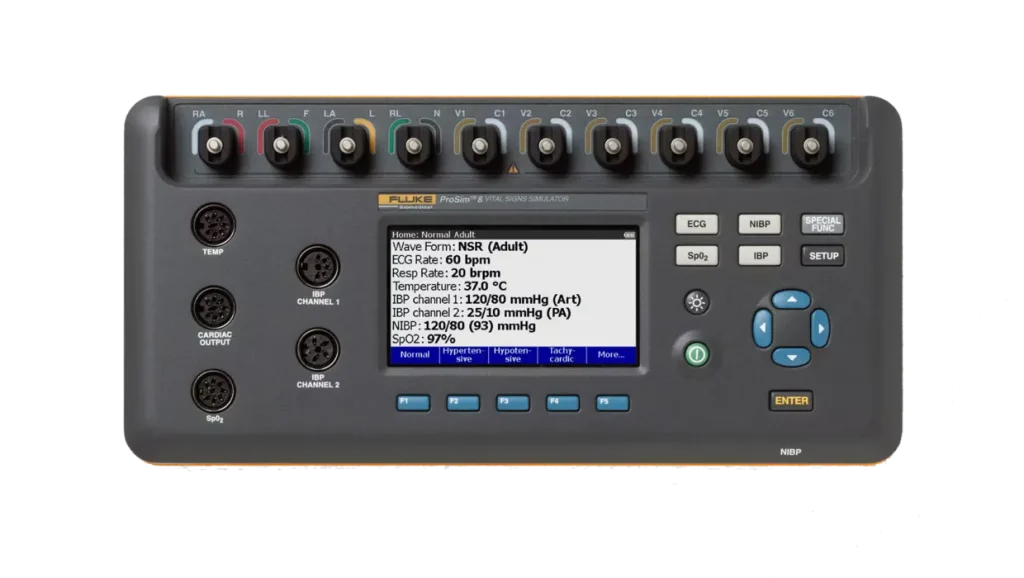
Structured preventive maintenance
Prioritise a broader multiparameter simulator when recurring PM requires ECG, respiration, pressure, temperature and related patient-monitor tests.
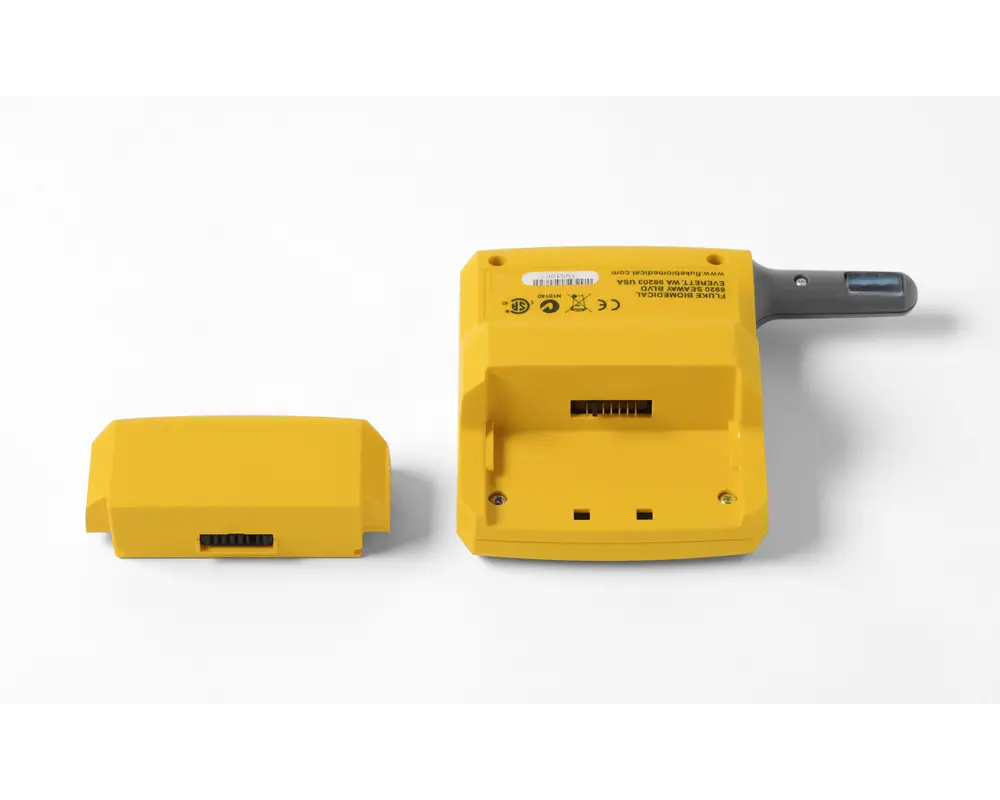
SpO2 as a critical point
Use a dedicated pulse-oximetry route when functional SpO2 testing is central to the procedure or needed as a complement.
Repeatable process at scale
Look beyond the handheld instrument when test volume, records, technician consistency or automation already influence the purchasing decision.
Typical routes in the Fluke ecosystem
ProSim 8P or ProSim 8
Use this route for a deeper vital signs simulation workflow, especially when patient-monitor PM needs broad multiparameter coverage.
ProSim 4
Use this route when the workflow needs a compact vital signs simulator for common monitor checks and practical field use.
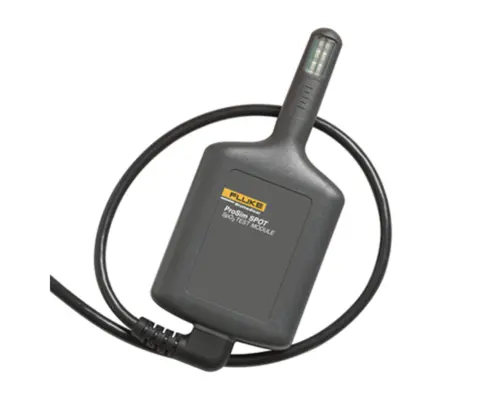
ProSim SPOT Light
Use this route when the core requirement is focused functional SpO2 analysis instead of a broad multiparameter simulator.
ANSUR and documentation
Consider the software layer when the process needs reusable procedures, standardised records or stronger traceability across repeated tests.
Specification questions that avoid a wrong purchase
Decision guide
Do not buy by feature count alone
A wider simulator only helps if those parameters are actually used in the routine.
Separate portability from depth
Field checks and workshop PM often reward different compromises in size, speed and coverage.
Treat documentation as scope
If repeatable records matter, include software and procedure design in the requirement from the start.
Source basis: the existing Interphysix Portuguese page, local Fluke Biomedical product pages for ProSim 8P, ProSim 8, ProSim 4, ProSim SPOT Light and ANSUR, plus the existing ProSim comparison page.
Need to choose a vital signs simulator without overbuying?
Send the monitor mix, routine and documentation expectations. Interphysix can help turn the workflow into a clear equipment requirement.
Última actualização: 22/06/2026